Digital Wallet Security: What You Actually Need to Know
Honest breakdown of how secure mobile payments really are, what protections exist, common misconceptions about digital wallets, and practical steps to keep your money safe.
Why Digital Wallets Aren't as Risky as You Think
Mobile payments feel vulnerable. You're putting your card details on your phone, and that's understandably unsettling if you're not sure what's happening behind the scenes. But here's the thing — digital wallets are actually more secure than handing your physical card to a shop assistant.
The security measures protecting your money are genuinely sophisticated. We're talking multi-layer encryption, tokenization, biometric authentication — the whole setup. Yet most people don't understand how these work, which is why misconceptions are so common. You might think your data's sitting unencrypted on your phone or that hackers can drain your account with a single tap. Neither is true.
This guide breaks down what's actually happening when you tap your phone to pay. You'll learn what protections are already in place, which threats are real and which are overblown, and what you can actually do to keep your money safer.
How Your Data Actually Gets Protected
When you add your card to Apple Pay or Google Pay, your actual card number doesn't go on your phone. That's the first key point. Instead, the payment system creates what's called a "token" — essentially a substitute number that represents your card without exposing the real details.
Here's what happens step-by-step. Your card information goes to the payment processor first. They verify it's legitimate, then they generate that token. Only the token lives on your phone. The real card number stays locked away on secure servers. If a hacker somehow grabbed your phone and got into your wallet app, they'd only find the token — completely useless without the encryption keys that link it back to your actual card.
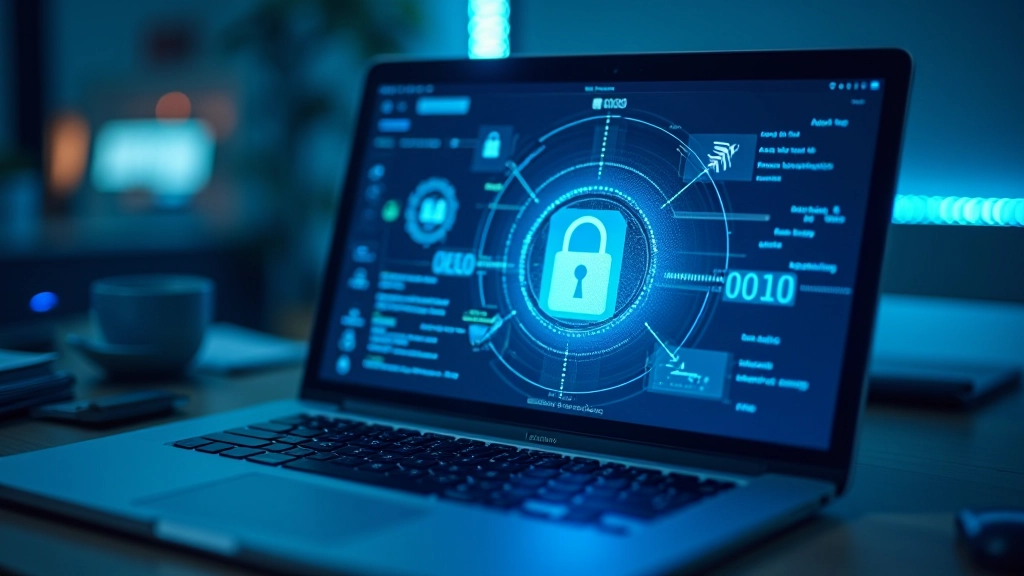
But there's more protection beyond just tokenization. Your phone itself is encrypted. When you set up your digital wallet, you're using your phone's security chip — a dedicated processor that handles sensitive data separately from everything else. This chip doesn't just store your payment information; it processes it in isolation from the rest of your device. Even if someone had direct access to your phone's memory, they wouldn't be able to extract usable card data.
The reality: Your card data is tokenized, encrypted, and processed on a secure chip isolated from the rest of your phone. Multiple layers mean multiple points of failure for any attack.
Important: This article provides educational information about digital wallet security features and how payment systems work. It's not financial advice, and security practices vary by provider and region. For specific concerns about your accounts, contact your bank or payment provider directly. Technology and security measures evolve constantly — verify current protections with your institution.
Authentication Is Your Second Line of Defense
You can't just tap your phone and instantly drain someone's account. That's another huge misconception. Every payment requires authentication — you're proving it's actually you making the transaction.
With Apple Pay, you're using Face ID, Touch ID, or your passcode. With Google Pay, it's the same — biometric verification or your phone's PIN. Some payments under a certain threshold (around £20 in the UK, similar limits in Ireland) don't need authentication. But larger payments? You're authenticating every single time. That's a meaningful barrier against fraud.
What's clever about biometric authentication is that the actual biometric data never leaves your phone. Your fingerprint or face scan stays on your device. What gets transmitted to the payment processor is just a confirmation — essentially a yes/no message saying "this person authenticated successfully." The actual biometric template never travels across networks where it could be intercepted.
This matters because it means even if someone intercepts the data being sent from your phone to the payment terminal, they're not getting your fingerprint or facial data. They're getting an already-verified confirmation that authentication happened.
The Real Threats You Should Actually Care About
Forget the hacker movie scenarios. The actual threats to digital wallets are more mundane and mostly preventable.
Phishing and social engineering
Someone tricks you into revealing your PIN or logging into a fake website. This isn't about technology failing — it's about human behavior. Banks don't ask for passwords in emails. Payment apps don't request PINs via text. If someone's asking, they're scamming.
Compromised apps or malware
If you install a malicious app on your phone, it could potentially capture your screen when you're entering a PIN. This is why you should only download payment apps from official app stores and only install apps from trusted sources. Apple and Google review apps before listing them, which significantly reduces this risk.
Lost or stolen phone
If someone gets your phone, they still can't access your payment app without your biometric or PIN. And here's the important part — you can remotely wipe your phone or disable payment apps through your provider's account. Most banks and payment systems let you do this immediately from a computer or another device.
The honest truth is that digital wallets are actually harder to compromise than physical cards. Your physical card number is printed on it. A fraudster can take a photo, use it online, or clone the card. Your digital wallet? They need your phone, your biometric, and your PIN. That's significantly harder.

What You Should Actually Do
Don't let fear stop you from using digital wallets. They're genuinely secure. But sensible precautions matter.
1
Use strong biometric or PIN protection on your phone. Don't use 0000 or 1234. Make it something an observer can't guess by watching your thumb.
2
Only download payment apps from official app stores. Don't sideload from random websites or APK files.
3
Check your bank statements regularly. Digital wallet transactions should appear just like card transactions. If something looks wrong, contact your bank immediately.
4
If you lose your phone, contact your bank right away. Most let you remotely disable payment features before you even get a replacement device.
5
Don't share your PIN or biometric data. Ever. Your bank won't ask for these. Payment providers won't ask for these. If someone's asking, hang up or close the conversation.
The technology protecting your money is actually impressive. Tokenization, encryption, biometric authentication, isolated security chips — these aren't theoretical protections. They're actively working every time you pay. Understanding that makes it easier to trust digital wallets while still being sensible about basic security practices. You're not being paranoid by checking your statements or protecting your phone. You're being responsible. But you can stop worrying that tapping your phone to pay is inherently dangerous. It's not.